What Is Moa On A Red Dot Sight – Meaning And Accuracy Explained
MOA on a red dot sight measures the angular size of your reticle, with 1 MOA roughly equaling 1 inch at 100 yards. It directly affects your dot’s diameter and aiming precision. Smaller MOA dots offer pinpoint accuracy at long range, while larger ones help with quick target acquisition up close.
Understanding MOA helps you match the reticle size to your shooting scenario and improve your overall accuracy. It’s a simple concept but makes a big difference once you get the hang of it. Keep exploring to master how MOA impacts your shooting performance and adjustments.
Key Takeaways
- MOA (Minute of Angle) on a red dot sight measures the angular size of the reticle dot, indicating its diameter at a given distance.
- One MOA roughly equals 1 inch at 100 yards, so a 3 MOA dot covers about 3 inches at that range.
- Smaller MOA dots (e.g., 2 MOA) offer greater precision by covering less target area, ideal for long-range shooting.
- Larger MOA dots (e.g., 6 MOA) provide faster target acquisition in close-range or dynamic scenarios by covering more area.
- Understanding MOA differences helps optimize reticle size for accuracy and speed based on shooting distance and tactical needs.
What MOA Means on a Red Dot Sight
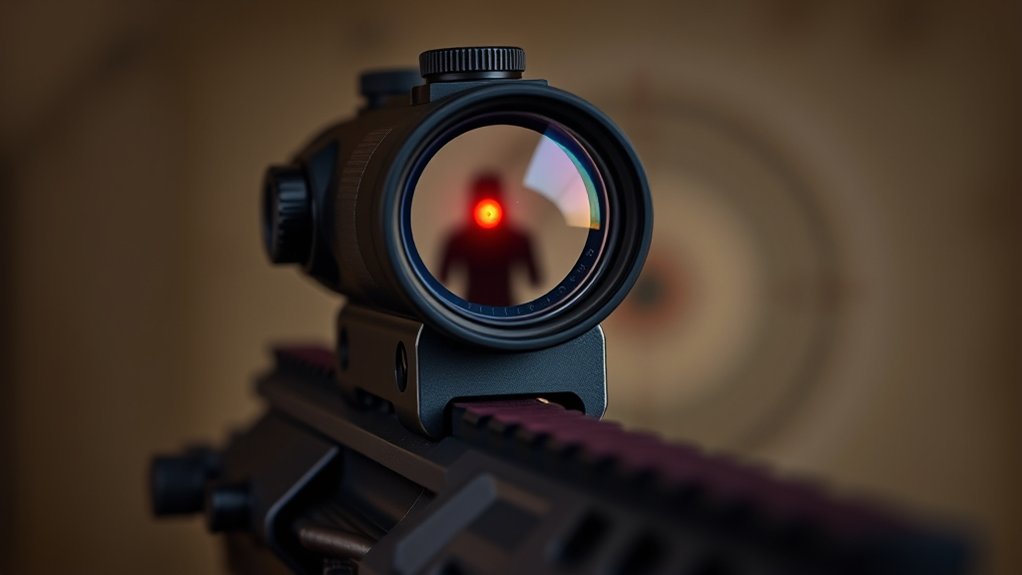
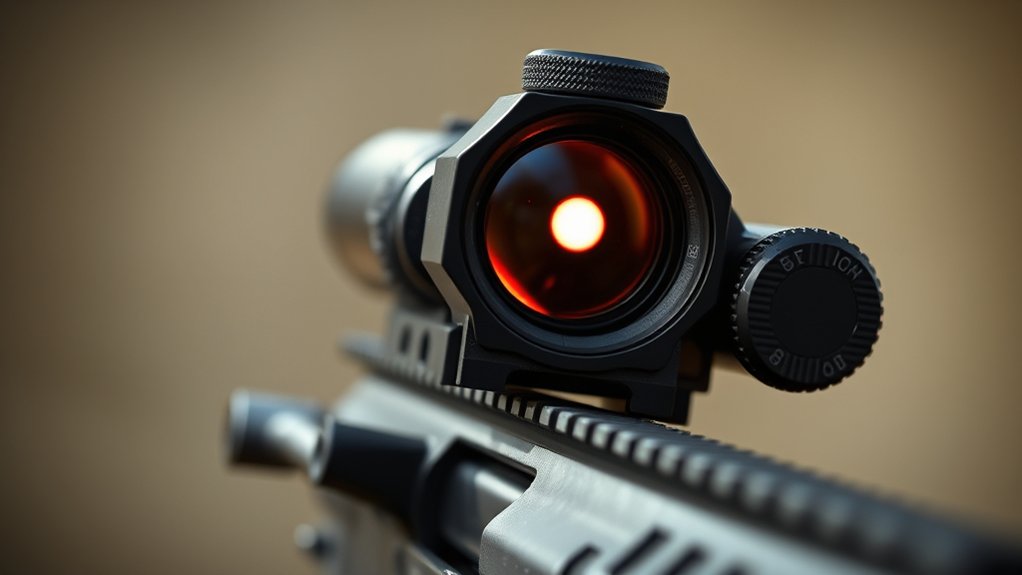
What does MOA mean on a red dot sight? MOA, or minute of angle, is an angular measurement that defines the reticle size on red dot sights.
Specifically, 1 MOA corresponds to approximately 1 inch of reticle diameter at 100 yards.
This means a 3 MOA reticle forms a 3-inch dot at that distance, balancing shooting accuracy and target acquisition.
Larger MOA values, like 6 MOA, create bigger dots that are easier to spot but may obscure more of the target.
Understanding MOA helps you select a reticle size tailored to your shooting distance and accuracy requirements.
How MOA Changes Your Red Dot’s Size and Accuracy
How does MOA influence the size and accuracy of your red dot sight? MOA directly defines your red dot size at a given distance. Basically, 1 MOA equals roughly 1 inch at 100 yards.
A smaller MOA reticle (like 2 MOA) sharpens your aim and enhances accuracy for long-range shooting. On the other hand, a larger MOA (like 6 MOA) makes the dot bigger, which speeds up target acquisition but sacrifices some precision.
| MOA Size | Red Dot Diameter at 100 Yards | Best Use |
|---|---|---|
| 2 MOA | ~2 inches | Long-range accuracy |
| 4 MOA | ~4 inches | Balanced accuracy/speed |
| 6 MOA | ~6 inches | Rapid target acquisition |
Adjust your reticle size to fit your shooting needs and get the best performance out of your sight.
How MOA Affects Target Coverage at Different Distances
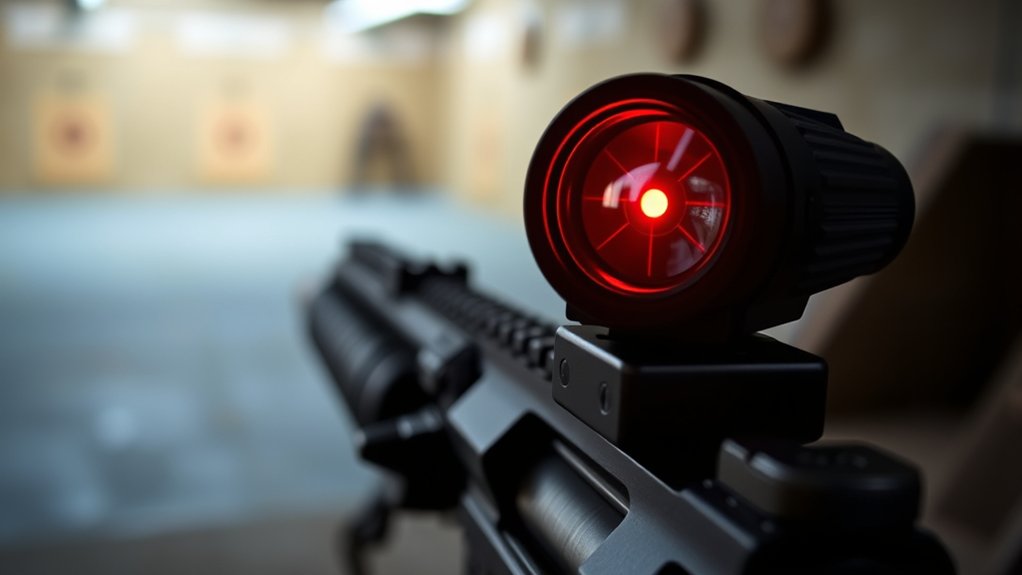
You’ll notice that the MOA size directly impacts how much of your target the red dot covers at different distances.
Smaller MOA dots give you precise aiming for long-range shots, which is great when accuracy matters most.
On the other hand, larger dots cover more area, helping you acquire targets faster up close.
Dot Size Impact
Although the size of the red dot may seem minor, it directly influences your aiming precision and target coverage at various distances. The dot size, measured in MOA, determines how much of your target the red dot obscures and affects your accuracy and speed of target acquisition.
Consider these points:
- A 2 MOA red dot creates a small aiming point, covering about 2 inches at 100 yards, ideal for precision shooting.
- A 4 MOA dot offers quicker target acquisition but covers roughly 4 inches at 100 yards, balancing speed and accuracy.
- Larger dots (6 or 8 MOA) improve visibility and rapid target acquisition up close but can reduce precision by obscuring more of the target.
Choosing the right MOA dot size optimizes your red dot sight’s performance for your specific shooting needs. It’s all about finding the balance that works best for you.
Distance And Coverage
The size of the red dot, measured in MOA, directly impacts how much of your target it covers at different distances. MOA measurement allows you to quantify target coverage precisely: a 2 MOA red dot covers about 2 inches at 100 yards, while a 6 MOA dot covers roughly 6 inches at the same distance.
As the distance increases, the red dot size proportionally enlarges on your target, affecting aiming precision. Smaller MOA dots provide finer target coverage, which is ideal for long-range accuracy.
On the other hand, larger dots make it quicker to acquire your target but reduce precision by covering more of it.
Understanding how MOA affects red dot size and target coverage at varying distances helps you pick the best sight for your shooting needs. It’s all about balancing speed and precision in a way that works for you.
Precision Versus Speed
When choosing a red dot sight, understanding how MOA influences precision versus speed is vital. MOA directly affects reticle size, which impacts target acquisition and shooting scenarios.
Smaller MOA dots (e.g., 2 MOA) offer greater precision by covering less of the target, making them ideal for long-range shots.
Larger MOA dots (4 or 6 MOA) cover more area, enabling faster target acquisition at close range but sacrificing pinpoint accuracy. So, it’s really about what you need in the moment.
Consider these factors:
- Precision demands a smaller MOA for fine aiming at distance.
- Speed requires a larger MOA for rapid shots on close targets.
- Your shooting scenario dictates the optimal reticle size for balancing speed and accuracy.
Choosing the right MOA tailors your sight to specific needs, maximizing efficiency in every shot. It’s all about finding the balance that works best for you.
Small vs. Large MOA Dots: What Works Best?
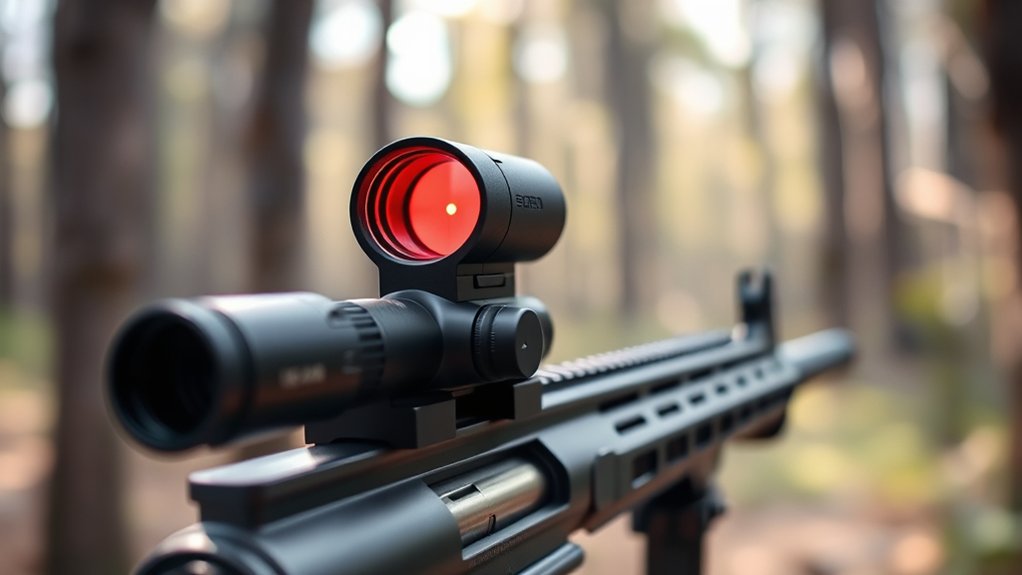
How do you decide between small and large MOA dots on your red dot sight? Small MOA dots, typically 1-2 MOA, offer superior precision by covering less of the target. This makes them ideal for longer shooting distances where accuracy is really important.
A 2 MOA reticle size measures about 2 inches at 100 yards, which balances visibility with fine detail.
On the other hand, larger MOA dots, like 4-6 MOA, help you find your target faster. They’re especially useful for close-range or moving targets because their bigger size makes the reticle easier to see.
For example, a 6 MOA dot covers roughly 6 inches at 100 yards. That means you’re trading some precision for speed.
In the end, it all depends on what you care about more—precision or speed. Just match your MOA dot to your shooting distance and tactical needs, and you’ll be set.
Choosing the Right MOA Size for Your Shooting Needs
Although choosing the right MOA size depends on your specific shooting scenario, matching the reticle to your primary distance and purpose guarantees ideal performance. Smaller MOA sizes like 1-2 MOA enhance aiming accuracy and precision for long-range shooting.
On the other hand, larger sizes (4-8 MOA) improve target acquisition speed at close distances.
Consider these factors when selecting your reticle size:
- For long shooting distances, opt for 1-3 MOA to achieve pinpoint precision.
- For rapid target acquisition in self-defense or close-range, choose 4-6 MOA to cover more target area.
- Assess your eyesight and environment to balance speed and accuracy effectively.
Aligning MOA sizes with your shooting distance and goals ensures maximum reticle performance and maximizes your aiming accuracy. It really comes down to what you need most—precision or speed—and where you’ll be shooting the most.
How to Adjust MOA for Better Aim
You adjust the MOA on your red dot sight by changing the reticle size to fit your target distance and shooting conditions.
Basically, smaller MOA values help improve precision when you’re shooting at longer ranges. On the other hand, larger values make it easier and faster to acquire your target, especially in close quarters or low-light situations.
It’s a good idea to always calibrate the dot size at the distance you plan to shoot from. That way, you can really optimize your aim and get the best performance out of your sight.
Adjusting Dot Size
Why does adjusting the dot size on your red dot sight matter? Because the reticle size, measured in MOA, directly impacts your precise aiming. Smaller MOA settings like 2 MOA offer pinpoint accuracy for distant targets, while larger sizes like 6 MOA let you acquire close-range targets faster.
Adjusting the reticle size is typically done through your sight’s controls, separate from brightness adjustments that only affect visibility, not true size.
When you adjust your red dot sight’s MOA, you:
- Enhance target clarity by matching reticle size to shooting distance.
- Improve shot precision with a finer aiming point at longer ranges.
- Speed up target acquisition in dynamic, close-quarters scenarios.
Mastering dot size adjustment optimizes your shooting performance under varying conditions. It’s a simple tweak that can make a big difference out there.
Calibrating For Distance
How do you guarantee your red dot sight maintains accuracy across varying distances? Calibrating for distance is key. You need to adjust the reticle size and brightness based on target range to preserve precision.
Smaller MOA reticles work better for longer distances, while larger dots improve quick target acquisition at close range. Increasing intensity helps visibility when shooting far, but dialing it down sharpens focus up close.
Understanding how MOA corresponds to your target range enables you to select the most suitable reticle size, ensuring your point of aim matches the point of impact. Proper calibrating compensates for environmental factors and keeps your red dot aligned.
This maximizes accuracy regardless of distance. This technical adjustment is essential for precise shooting with any red dot sight.
MOA on Red Dots vs. Scopes: What You Need to Know
Although MOA is a common term in both red dot sights and traditional scopes, its meaning differs considerably between the two. On red dot sights, MOA defines the reticle size—typically 2, 3, 4, or 6 MOA—impacting how much of your target the dot covers.
In scopes, MOA refers to the adjustment increments per click, letting you fine-tune your point of impact precisely.
Here’s what you need to know:
- In red dots, a 3 MOA reticle covers about 3 inches at 100 yards, balancing precision and rapid target acquisition.
- Larger MOA dots speed up target acquisition but reduce precision by covering more of the target.
- Scopes use MOA for scope adjustments, enabling exact shot corrections over varying distances.
Understanding this distinction improves your accuracy and shooting efficiency. It’s a simple thing to grasp but makes a big difference when you’re out in the field.
Tips for Using MOA to Improve Your Shooting Accuracy
When you understand the MOA size of your red dot, you can select the right reticle to match your shooting distance and accuracy requirements.
Smaller MOA reticle sizes like 2 MOA enhance shooting accuracy by offering finer precision for long-range shots, while larger dots such as 6 MOA speed up target acquisition in close quarters.
Adjust your red dot sight’s brightness to optimize visibility based on MOA size and lighting conditions.
Practice with various MOA reticle sizes to develop a consistent aiming technique and accurately judge how much the dot covers your target.
Frequently Asked Questions
How Do Environmental Factors Affect MOA Adjustments on Red Dot Sights?
Environmental factors directly impact how you adjust MOA on red dot sights. Fog, rain, or dust can obscure the dot, making it seem larger and less precise. This pushes you to compensate for the reduced clarity.
Bright sunlight or glare can overexpose the dot, which reduces accuracy at fixed MOA settings. Extreme temperatures affect electronics and brightness, altering how visible the dot is. So, you need to keep an eye on these changes.
Wind won’t change the MOA itself, but it definitely affects shot placement. That means you’ll still need precise adjustments to account for it.
And don’t forget, regular maintenance is key to keeping your MOA reliable over time.
Can MOA Settings Vary Between Different Red Dot Sight Brands?
Think of MOA settings like the gears on different bicycles. Each brand designs them uniquely to suit various terrains.
Yes, MOA settings do vary between red dot sight brands.
Some offer finer adjustments, others coarser. Reticle sizes and markings differ, too, which impacts your precision and how quickly you can engage your target.
You need to understand each brand’s calibration to get the best shot.
This way, your sight aligns perfectly with your intended point of impact.
What Tools Are Needed to Calibrate MOA on a Red Dot Sight?
To calibrate MOA on your red dot sight, you’ll need a precision screwdriver or Allen wrench to adjust the windage and elevation turrets.
Using a target with grid lines or known measurements helps with accurate alignment.
It’s best to have a stable shooting platform or bench rest to keep things consistent.
A laser bore sight or sight alignment tool can make your initial zeroing easier.
You might also want to use a ballistic calculator or reticle chart.
These tools help you understand how your adjustments affect your shots in real-world conditions.
How Often Should I Recalibrate MOA Adjustments on My Red Dot Sight?
You should recalibrate MOA adjustments on your red dot sight whenever you notice consistent discrepancies between your point of aim and point of impact. This is especially important after mounting, battery changes, or rough handling.
Also, recalibrate when switching shooting environments or distances. It’s a good idea to regularly verify accuracy at your typical shooting ranges to ensure precision.
Routine checks help prevent drift and maintain reliable performance. Don’t worry about recalibrating unnecessarily if the reticle size remains consistent.
Does MOA Adjustment Impact Battery Life of Red Dot Sights?
No, adjusting the MOA on your red dot sight doesn’t directly impact battery life. MOA changes mainly affect the reticle’s size or aiming precision, not power consumption.
Battery drain depends on brightness settings. Higher brightness uses more power, so that’s what really affects how long your battery lasts.
If your sight has auto-brightness, it adjusts to the ambient light and helps conserve energy.
To extend battery life, focus on managing brightness and powering down the sight when it’s not in use, rather than tweaking MOA adjustments.
Conclusion
So, you’ve learned MOA shapes your red dot’s precision. It’s funny how something so technical boils down to choosing a dot size that simply fits your eye and target.
Sure, bigger dots cover more ground but sacrifice finesse. Smaller dots demand steadier hands but reward sharpness. Mastering MOA isn’t rocket science. It’s just about knowing your distances and needs.
In the end, your perfect aim hinges on understanding this tiny angle better than your target does.