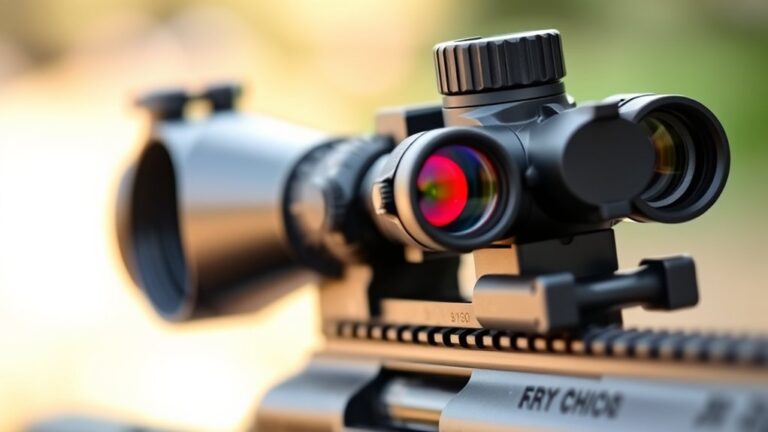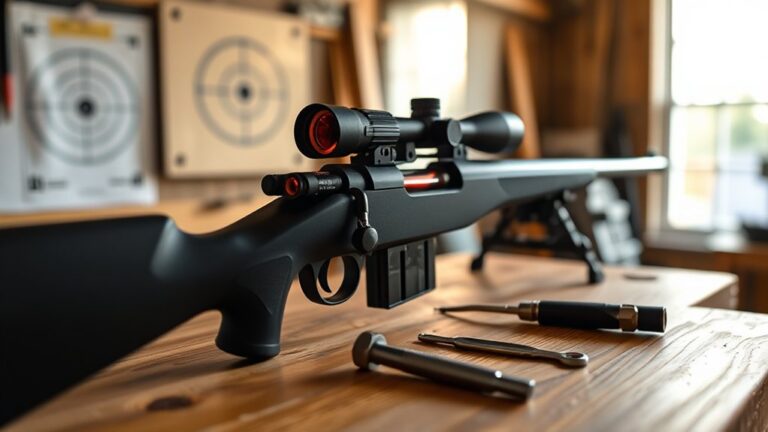
How To Clean Red Dot Sight – Maintenance And Care Guide
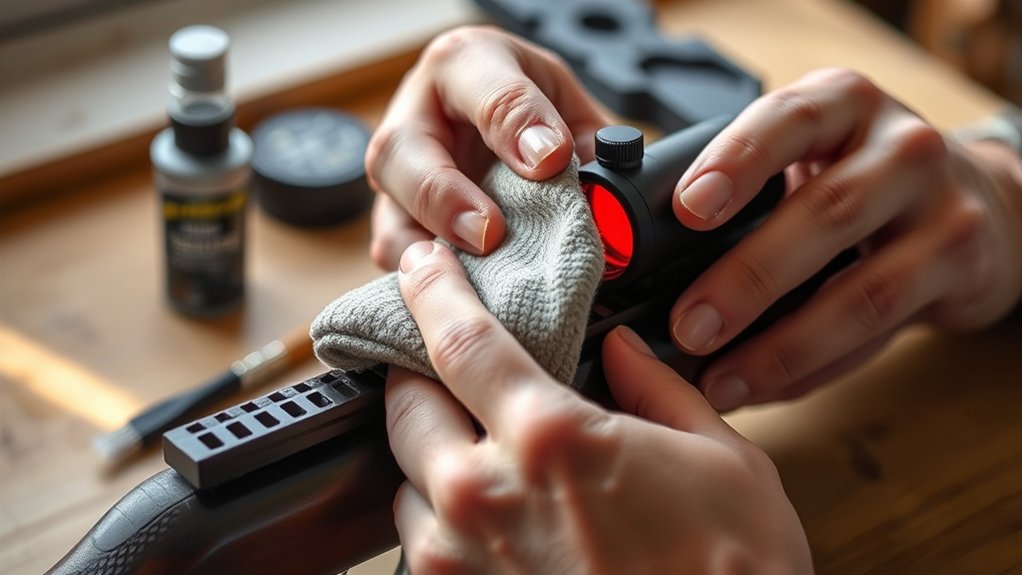
You should regularly clean your red dot sight using a non-abrasive microfiber cloth and optical cleaner with at least 90% isopropyl alcohol. Power off and remove the battery before gently wiping lenses in circular motions from center outward.
Use soft brushes or air blowers to remove dust without introducing moisture. Inspect seals and housing for damage, applying dielectric grease to maintain waterproofing.
Proper cleaning and maintenance guarantee peak clarity and longevity. Keep going to discover detailed steps and troubleshooting tips.
Key Takeaways
- Use a non-abrasive microfiber cloth and optical cleaner with ≥90% isopropyl alcohol for gentle lens cleaning in circular motions.
- Power off the sight and remove batteries before cleaning to prevent corrosion and internal damage.
- Remove dust and debris using a soft brush or dedicated air blower, avoiding compressed air cans that may introduce moisture.
- Regularly inspect and maintain seals and O-rings to prevent moisture ingress and fogging inside the sight.
- Store the red dot sight in a dry, temperature-controlled environment with desiccant packs to preserve functionality and longevity.
Why You Should Clean Your Red Dot Sight Regularly
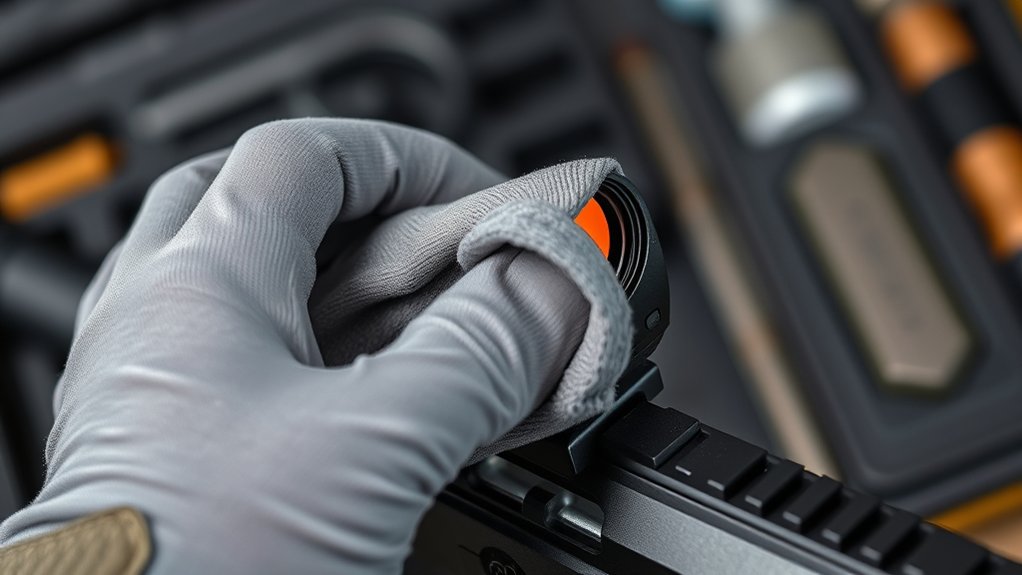
Although it might seem minor, cleaning your red dot sight regularly is essential to maintain peak clarity and guarantee reliable target acquisition. Dust, smudges, and debris on the lens degrade image quality, reducing reticle brightness and sharpness. Consistent cleaning removes these contaminants, securing optimal visibility during use.
Regular cleaning of your red dot sight ensures clear visuals and reliable target acquisition every time.
Plus, proper maintenance protects the delicate optical coatings from damage caused by abrasive particles or residue buildup. Using a microfiber cloth effectively lifts dirt without scratching the lens surface.
Neglecting cleaning risks internal malfunctions since debris can interfere with alignment and performance.
By integrating routine cleaning into your red dot sight care, you preserve its functionality and extend its lifespan. This precision-focused approach ensures your sight remains dependable in critical scenarios, such as tactical operations or competitive shooting.
Essential Tools and Cleaners for Red Dot Maintenance
You’ll want to have the right tools on hand to keep your red dot sight in top shape without risking any damage. Start with non-abrasive microfiber cloths—they’re gentle enough to clean your lenses safely.
It’s best to use optical cleaning solutions that contain at least 90% isopropyl alcohol for effective and safe cleaning.
Besides that, soft brushes and air blowers come in handy for removing dust and debris. They help you get rid of particles without scratching those delicate lens coatings.
With these tools, maintaining your red dot sight becomes a simple and safe process.
Cleaning Tools Overview
Before you start cleaning your red dot sight, gather the essential tools designed specifically for optics maintenance. Proper cleaning tools guarantee effective dust removal and prevent damage to the lens surface.
Use these items:
- Air blower or soft brush for gentle dust removal without scratching
- Microfiber cloth made for optics to wipe lenses softly in circular motions
- Optical cleaner or approved lens cleaner applied to the cloth, never directly on the lens
- Lens cleaning pen or sterile cotton swab with alcohol for stubborn spots near edges
- Protective covers to store tools and prevent contamination
Make sure to keep all cleaning tools dedicated solely to your optics to avoid cross-contamination. This careful selection preserves the lens coating and maintains clarity.
That way, your red dot sight will perform at its best.
Recommended Cleaning Solutions
Selecting the right cleaning solutions is essential for maintaining your red dot sight’s performance and longevity. Use optical-grade cleaning solutions, like isopropyl alcohol (90% or higher), to safely clean optical lenses without compromising lens coatings or protection coatings.
Avoid glass cleaners that contain ammonia or abrasives because they can degrade these delicate layers.
Apply the cleaning solution to a lint-free microfiber or disposable cloth—never put it directly on the lens. This helps prevent seepage that might harm internal seals.
When cleaning, use gentle circular motions to wipe the surface. This ensures you remove dirt thoroughly but safely.
If you find dust in crevices, try using a soft lens brush or cleaning pen.
How to Remove Dust and Debris From Your Red Dot Sight
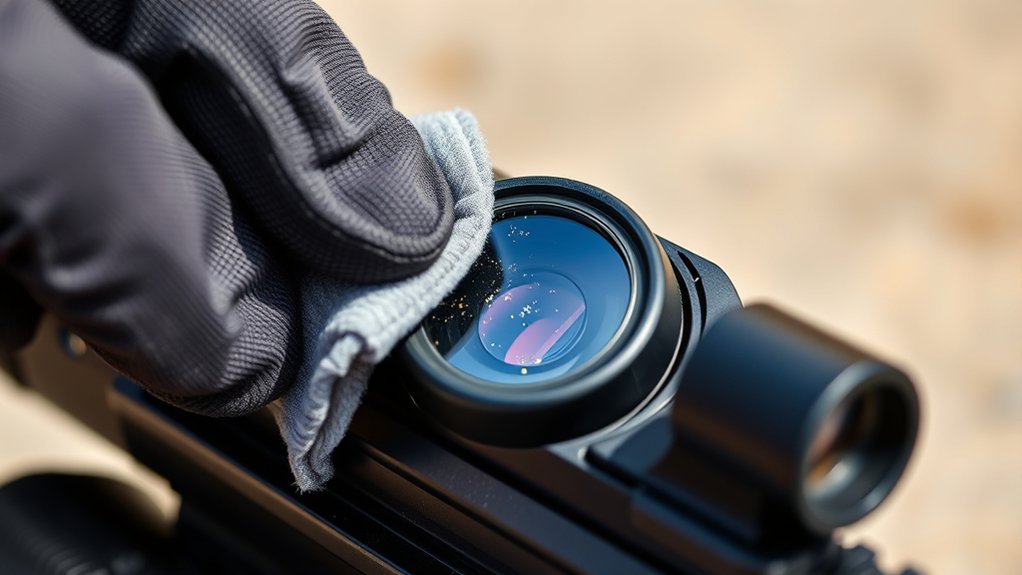
Although removing dust and debris from your red dot sight requires careful handling, using the right tools guarantees you won’t damage the lens coatings. Start by employing gentle dust removal techniques to protect the delicate coatings on the lens surface.
Here’s what you can do: use a soft, dry brush or an air blower to dislodge loose dust and debris without touching the lens. Hold the sight at an angle and work from multiple directions to make sure you clean thoroughly.
Avoid compressed air cans because they can introduce moisture, which is harmful to the coatings. If you find stubborn debris, gently sweep it away with a lint-free microfiber cloth or a lens brush.
Once you’re done, take a good look at the lens surface to make sure all particles are gone before you move on to any wet cleaning.
This careful approach will help you clean thoroughly while keeping your sight in great shape.
Step-by-Step Guide to Cleaning Your Red Dot Lens
After carefully removing dust and debris from your red dot sight, you’re ready to clean the lens surface itself. First, power off the sight and remove the battery. Use a microfiber cloth dampened with a cleaning solution approved for optics. Never spray directly on the lens.
Gently wipe the lens in circular motions from center outward to avoid scratches and protect delicate coatings. For stubborn smudges, apply cleaner sparingly to the cloth. Finally, dry thoroughly with a clean section of the microfiber cloth to guarantee optical clarity.
| Step | Action |
|---|---|
| Remove dust | Use air blower or soft brush |
| Clean lens | Microfiber cloth + optics cleaning solution |
| Dry lens | Dry thoroughly with clean microfiber cloth |
Proper maintenance preserves your red dot’s performance and longevity. Taking these simple steps really helps keep your sight working great for a long time.
Cleaning the Housing, Battery Compartment, and Adjustment Knobs
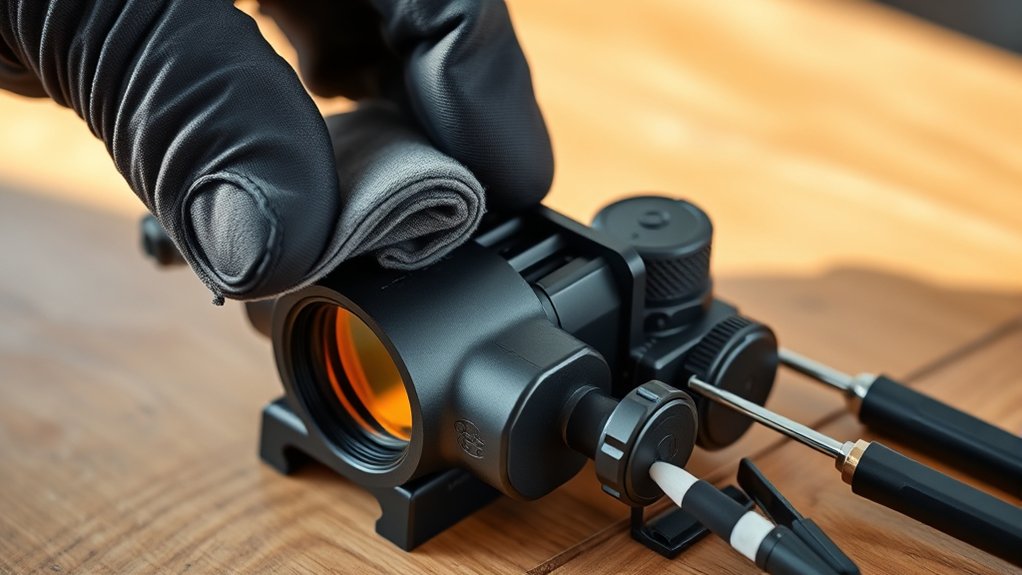
While cleaning the lens is critical, maintaining the housing, battery compartment, and adjustment knobs guarantees overall reliability. Start external cleaning by removing batteries to prevent corrosion. Use a damp microfiber cloth to gently wipe the housing, but be careful to avoid moisture near seals and adjustment mechanisms.
For dust removal on adjustment knobs, apply compressed air or a dry brush. Never use liquids on these parts. It’s a good idea to regularly inspect seals and O-rings for any damage.
After checking, apply dielectric grease to preserve waterproof integrity. Focus only on accessible components and avoid disassembling internal parts.
- Remove batteries before cleaning battery compartment
- Wipe housing with a damp microfiber cloth cautiously
- Use compressed air for adjustment knobs dust removal
- Inspect seals and O-rings for cracks or wear
- Apply dielectric grease to maintain seals and waterproofing
Battery Handling and Storage Tips to Protect Your Sight
Proper battery handling and storage considerably extend the lifespan and reliability of your red dot sight. Store batteries at room temperature, ideally between 32°F and 77°F (0°C to 25°C). This helps prevent capacity loss and degradation caused by extreme temperature and humidity.
Always use the manufacturer specified battery type, such as CR2032 or CR123A, to avoid damaging the electronics. If you plan to store the sight for more than two weeks, remove the batteries. Doing this prevents corrosion and leakage inside the battery compartment.
Replace batteries every 6 to 12 months with daily use, or annually if used less frequently. This keeps your sight performing consistently.
Keep batteries in a dry, cool environment, protected from direct sunlight.
Following these simple storage and handling tips guarantees maximum protection and functionality for your red dot sight’s power source. It’s worth the effort to keep your gear reliable!
Troubleshooting Red Dot Sight Issues After Cleaning
Maintaining your red dot sight’s battery and storage conditions sets a solid foundation for its performance. But cleaning introduces its own set of challenges you need to watch out for.
After cleaning, look for flickering or dimming reticles. This can be caused by corrosion or poor battery contact, which means you might need to clean or replace the battery.
Seal failure is another issue to keep an eye on. If you notice fogging or internal moisture, it usually means the seal is compromised and needs resealing or professional repair.
Persistent moisture inside the sight is a sign of more serious damage to the seals. This often requires nitrogen purging to fix the problem.
Also, check for scratches or damage to the coatings. These can distort the image or reduce brightness, and might mean you need a lens replacement.
Finally, if you experience zero shift or an inconsistent point of impact, it’s time to re-zero your sight or get professional calibration.
Taking care of these issues quickly will keep your sight reliable and help it last longer.
How to Store Your Red Dot Sight for Peak Performance
To keep your red dot sight functioning at its best, you need to store it in a controlled environment that prevents exposure to temperature extremes and humidity. Use climate-controlled storage maintained between 32°F and 77°F to avoid damage to seals and protective coatings.
Always clean and thoroughly dry the sight before storage to eliminate dirt and moisture that accelerate seal deterioration.
Place the sight in a sealed, padded case with desiccant packs for effective moisture prevention. This reduces the risk of moisture ingress and internal corrosion.
Regularly inspect seals and lens surfaces for signs of degradation or fogging.
If you notice any seal deterioration, address it promptly by resealing or servicing. This helps maintain peak performance.
Proper storage safeguards your red dot sight’s longevity and operational reliability.
Frequently Asked Questions
Can I Use Lens Wipes Instead of a Microfiber Cloth?
Yes, you can use lens wipes instead of a microfiber cloth, but make sure the wipes are specifically designed for optics, alcohol- and ammonia-free, and lint-free. These pre-moistened wipes safely clean multi-coated lenses without causing damage.
After using the wipe, you should follow up with a microfiber cloth to remove any streaks or residue. Avoid disposable wet wipes with harsh chemicals, as they can degrade the lens coatings and impair clarity.
It’s always best to be gentle with your lenses to keep them in great shape.
How Often Should I Replace the Battery in My Red Dot Sight?
You should replace your red dot sight battery every 6 to 12 months if you use it daily.
For less frequent use, batteries can last 1 to 3 years.
Keep an eye out for signs like flickering, dimming, or inconsistent illumination. These usually mean it’s time for a replacement.
To get the most out of your battery, use high-quality ones and always turn off the sight when you’re not using it.
This helps ensure peak performance and prevents any unexpected failures.
Taking these simple steps can really make a difference.
Are There Any Risks to Cleaning the Sight in Cold Weather?
Yes, cleaning your red dot sight in cold weather carries risks. Rapid temperature changes can cause condensation inside, which can damage internal components. Cold temperatures also make lubricants and seals brittle. This increases the chance of cracks or leaks during cleaning.
Moisture evaporates slowly in the cold, so there’s a risk of internal fogging if the sight isn’t dried properly. To avoid these issues, you should gradually warm the sight to room temperature before cleaning.
This helps ensure that the seals and coatings stay intact.
Can Water Damage a Red Dot Sight if It Gets Wet?
Yes, water can damage your red dot sight if moisture gets past the seals. Even if your sight has a waterproof rating, it doesn’t always mean it’s completely protected, especially if the seals or O-rings are worn or damaged.
When water gets inside, it can cause fogging and corrosion. This affects the lens clarity and makes the reticle harder to see, which can hurt your accuracy. So, it’s really important to check those seals regularly.
Make sure to dry your sight as soon as possible after it gets wet to stop corrosion from setting in. Taking care of your sight like this helps keep it working well and reliable, even in wet conditions.
Is It Safe to Disassemble the Red Dot Sight for Deeper Cleaning?
You shouldn’t disassemble your red dot sight for deeper cleaning. Doing so risks damaging delicate internal components, misaligning optics, and voiding the warranty.
These units are sealed to prevent dust and moisture from getting inside. Plus, their O-rings and gaskets are tricky to reseal properly. So, it’s best not to mess with them yourself.
Instead, focus on cleaning the outside of your sight. If you think internal maintenance is needed, it’s a good idea to seek professional service. That way, you can keep your sight reliable and working well.
Conclusion
By regularly cleaning your red dot sight, you’re making sure you get a crystal-clear view. This means no dust or smudges blurring your target. Imagine wiping away the grime with a microfiber cloth and revealing that pristine lens beneath.
Be methodical and take care of every part, from the battery to the knobs. This helps keep your sight working perfectly. When you store and care for it properly, your red dot stays sharp and reliable.
That way, it’s always ready whenever you need it—shot after shot.