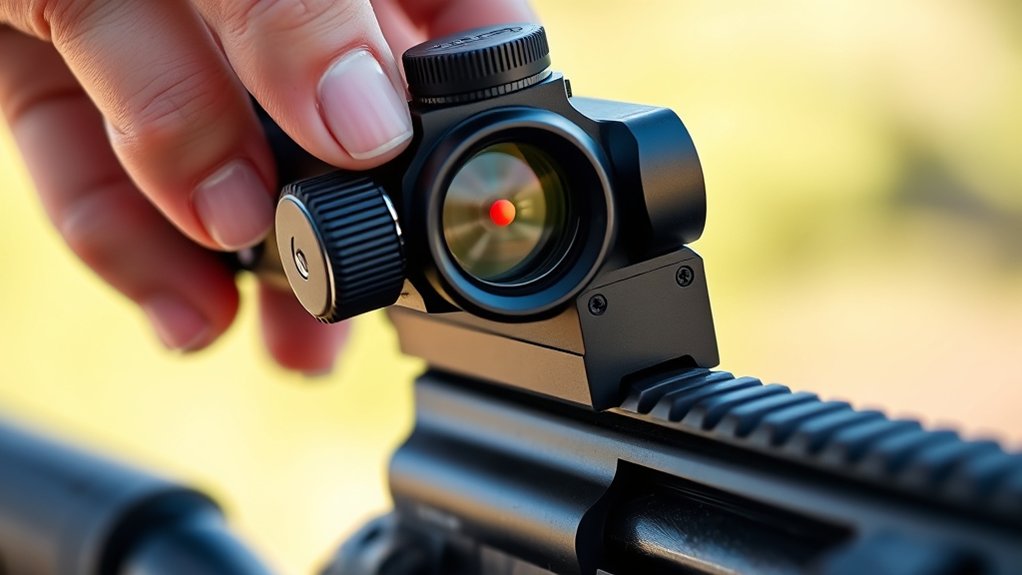
How To Turn Off Vortex Defender Red Dot – Quick Instructions Guide
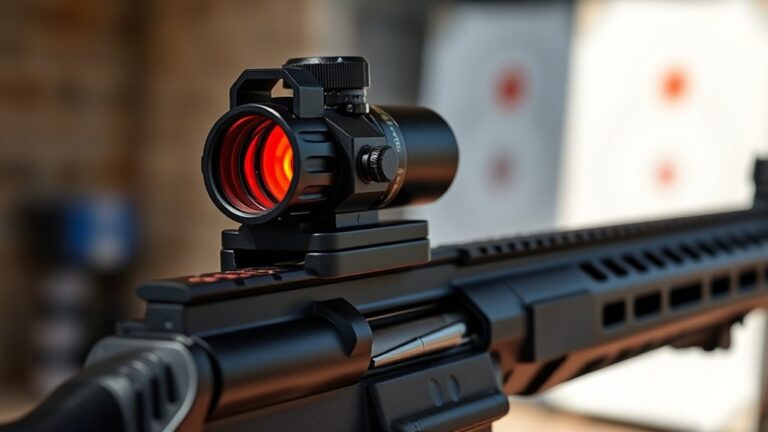
To turn off your Vortex Defender Red Dot quickly, press and hold the power button for about five seconds until the red dot disappears. This ensures the device powers down fully and saves battery. Always hold the button long enough to avoid partial shutdowns.
Remember to power off when not in use to extend battery life. If you run into any issues or want to optimize settings like brightness or lockout, keep reading. You’ll find helpful tips and troubleshooting steps ahead.
Key Takeaways
- Press and hold the power button for about five seconds until the red dot disappears to turn off the Vortex Defender Red Dot.
- Ensure the power button is held long enough to complete the shutdown and conserve battery during storage or transport.
- Avoid turning off the device during active shooting to prevent loss of aiming accuracy until reactivation.
- If the red dot does not turn off, check the battery installation and charge, then try holding the power button longer.
- Always power off properly to prevent partial shutdowns and extend device and battery longevity.
How To Power Off The Vortex Defender Red Dot Quickly
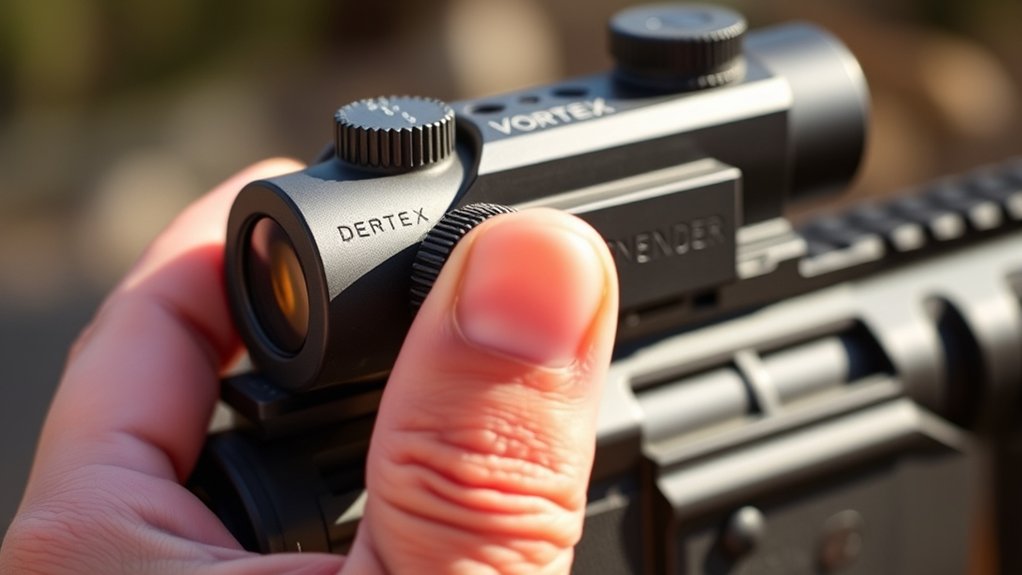
Although turning off the Vortex Defender Red Dot is simple, pressing and holding the power button until the red dot disappears guarantees the device powers down completely.
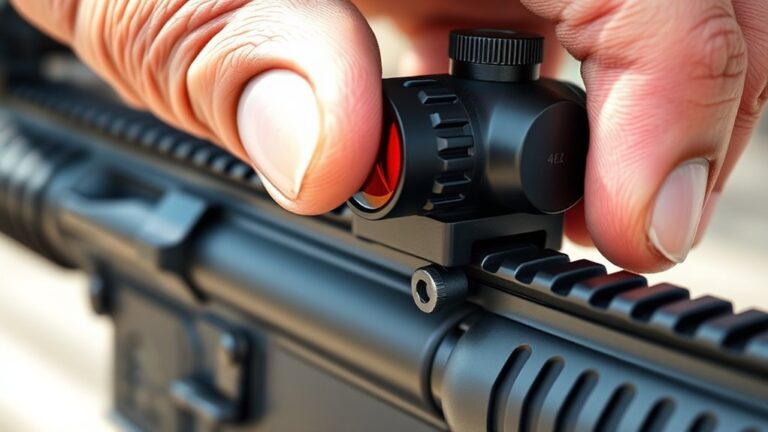
To power off quickly, press and hold the power button for about five seconds. This assures the sight shuts down immediately, conserving battery life and preventing accidental activation.
Press and hold the power button for five seconds to quickly power off and save battery life.
You’ll find this quick method invaluable for safety, routine maintenance, or storage. Once the red dot vanishes, the device is fully powered off.
When you need to reactivate it, just press the power button again.
Following this straightforward procedure keeps your Vortex Defender ready and extends battery longevity without any guesswork. Always use the power button as described to achieve a reliable, complete shutdown every time.
What To Do If The Red Dot Won’t Turn Off
If the red dot won’t turn off when you press and hold the power button, first make sure you’re holding it long enough for the device to register the shutdown command.
Next, check the battery to verify it’s properly installed and has sufficient charge, since a faulty or low battery can prevent powering down.
If the red dot remains on, try holding the power button longer to force the device to shut off.
Still no luck? Take a look at the user manual for specific troubleshooting steps.
If these measures don’t work, reach out to Vortex customer support for help.
Following these steps should help you fix the issue when the red dot won’t turn off, safely and effectively.
How To Reset The Vortex Defender Red Dot To Default Settings
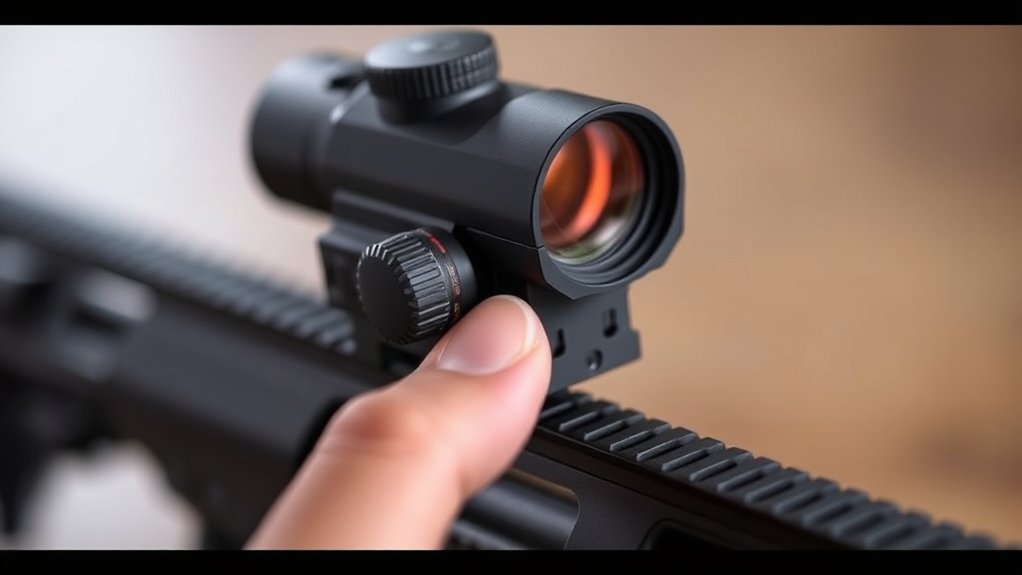
To reset your Vortex Defender Red Dot to its default settings, first make sure it’s turned on.
Then, press and hold both the up and down brightness buttons for 3 seconds.
You’ll notice the device powers off and restarts.
This process restores all brightness and auto shut-off settings back to their original factory configurations.
Reset Procedure Steps
When your Vortex Defender Red Dot starts acting unpredictably or the reticle brightness doesn’t respond, resetting it to default settings can resolve these issues quickly.
To reset, press and hold both the up and down brightness buttons simultaneously for 3 seconds. You’ll notice the red dot may turn off briefly. That’s the reset in progress.
This process restores the reticle brightness, auto shut-off, and lockout settings to their original factory configurations.
Once the reset completes, the device will automatically return to default brightness and mode settings.
Use this reset procedure whenever your red dot’s brightness or reticle becomes unresponsive or behaves abnormally.
Following these steps makes sure your Vortex Defender Red Dot functions correctly without complicated troubleshooting.
Benefits Of Resetting
Resetting your Vortex Defender Red Dot to its default settings restores reliable performance by clearing any custom adjustments that may cause issues. When you reset the device, you eliminate potential problems from incorrect brightness settings or lockout modes that interfere with proper operation.
This process also resolves glitches like unexpected auto shut-off or inconsistent reticle brightness. To reset, simply hold the designated buttons for about three seconds, returning all settings to factory defaults.
Regularly performing a reset enhances your red dot’s reliability and maintains its peak functionality over time. By mastering the reset, you ensure consistent performance and avoid frustrating malfunctions, keeping your Vortex Defender ready for any situation.
Don’t overlook this simple step for long-term maintenance and dependable use. It’s an easy way to keep your gear working smoothly when you need it most.
What Happens When You Turn Off The Red Dot While Shooting?
When you turn off the red dot while shooting, you instantly lose your illuminated aiming point, which can make it harder to stay accurate. It’s like suddenly going from night vision to plain sight—your eye has to adjust.
You can cut the power right away by holding the button down, but be ready to get your sight picture back quickly. It takes a moment to realign once the dot is off, so don’t be caught off guard.
Keep in mind, powering down during your session is a smart way to save battery life. Just make sure you handle it carefully to keep everything safe and your device in good shape.
Impact On Aiming Accuracy
How does turning off the Vortex Defender Red Dot affect your shooting accuracy? The impact on aiming accuracy is immediate and noticeable.
When you disable the red dot mid-shooting, the reticle disappears, forcing you to rely on iron sights or backup methods. This shift can cause a lapse in precision and reduce situational awareness of your point of aim.
If the red dot turns off unexpectedly, you risk missing shots or compromising shot placement. To minimize the impact on aiming accuracy, reactivate the red dot as quickly as possible.
Doing so helps you regain your aiming point promptly, maintaining control and accuracy during your shooting session. Always anticipate this effect when turning off your red dot to avoid accuracy losses.
Immediate Power Cutoff
What happens the moment you turn off the Vortex Defender Red Dot during shooting? The red dot instantly disappears, cutting off your aiming assistance. This immediate power-off means you need to quickly adapt to keep your accuracy sharp.
Here’s what you need to know about this quick power-off:
The reticle deactivates right away, so you have to rely on iron sights or backup optics. Your shot accuracy might take a temporary hit until you turn the red dot back on.
Also, the auto shut-off won’t kick in while you’re actively using it—you have to hold the power button for about 5 seconds to switch it off manually.
Knowing how this immediate power-off works helps you stay ready and maintain control no matter what’s going on during your shooting.
Safety And Maintenance
Turning off the Vortex Defender Red Dot during shooting immediately cuts the reticle, which can impact your aim temporarily. For safety, always disable the red dot during extended pauses or when not aiming to conserve battery life and prevent accidental activation.
While powering down doesn’t damage the device, you might need to re-zero if the sight shifts. Proper shutdown maintains safety and preserves device longevity, especially during transport or storage.
| Aspect | Effect When Off | Recommendation |
|---|---|---|
| Aiming Accuracy | Temporarily reduced | Avoid turning off mid-shot |
| Battery Life | Preserved | Turn off during pauses |
| Device Safety | Maintained | Always power down safely |
Follow these guidelines to ensure safety and peak performance.
Adjust Brightness And Button Lockout Settings
While the Vortex Defender Red Dot is powered on, you can easily cycle through its 10 brightness settings by pressing the up or down button. You get to choose from 2 night modes and 8 day modes for maximum visibility. Adjust the brightness anytime to suit your environment.
Easily cycle through 10 brightness settings, including night and day modes, for optimal visibility in any environment.
To prevent accidental changes, use the button lockout feature. Here’s how to manage these settings effectively:
Press the up or down button to navigate brightness levels. Hold the up button for 3 seconds to toggle the button lockout mode; a lock icon confirms activation.
Lockout mode keeps your brightness setting fixed during use, avoiding unintended adjustments.
Save Battery By Turning Off Your Vortex Defender Red Dot
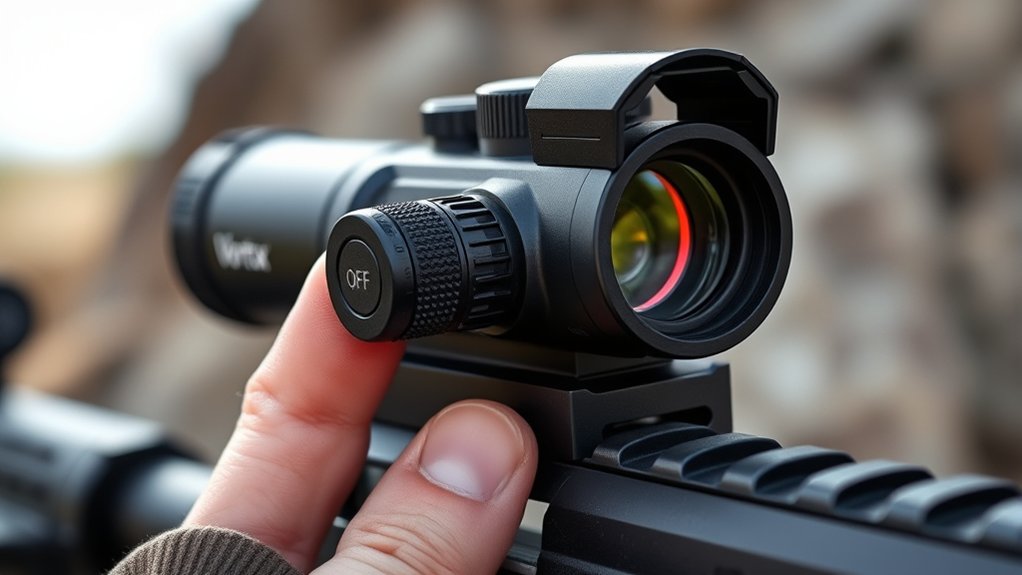
Because conserving battery life is essential for maintaining your Vortex Defender Red Dot’s performance, you should always turn it off when it’s not in use. To do this, press and hold the power button until the reticle disappears.
This quick step prevents unnecessary battery drain during storage or transport.
Also, enable the auto shut-off feature to automatically power down the sight after detecting inactivity. This helps extend battery life even more.
Regularly powering off your red dot ensures longer operational hours and increases the time between battery replacements.
By consistently turning off the device when you’re done, you keep your battery in great shape and reliable.
This way, your Vortex Defender Red Dot stays ready whenever you need it most.
Common Mistakes When Powering Off Your Vortex Defender Red Dot
If you don’t press and hold the power button for at least five seconds, your Vortex Defender Red Dot may not fully shut off. This can waste battery life. Many common mistakes when powering off come from rushing this step or using the wrong controls.
Hold the power button for at least five seconds to ensure your Vortex Defender Red Dot fully shuts off and saves battery.
Avoid these pitfalls to guarantee proper shutdown:
- Pressing the power button briefly, which leaves the device partially on
- Trying to turn it off during active shooting without holding the button, causing aiming issues
- Using the wrong button or sequence, leading to failed shutdown or accidental activation
Taking your time and using the right steps makes sure your red dot powers down correctly every time.
Where To Find More Help And Troubleshooting Resources
When you encounter issues or need further guidance with your Vortex Defender Red Dot, the official Vortex Optics website offers extensive support resources. You’ll find user manuals and troubleshooting guides available as downloadable PDFs under the support or FAQ sections.
For direct assistance, use their live chat, email, or phone support during specified hours. Vortex also provides instructional videos and tutorials on their YouTube channel, delivering clear, step-by-step troubleshooting help.
If your problem requires specialized attention, submit a service request or warranty claim through the Vortex support portal.
Frequently Asked Questions
What Is the Battery Life of the Vortex Defender Red Dot?
The battery life of the Vortex Defender Red Dot lasts about 9,500 hours under typical use. You’ll notice that brighter settings will consume more power, so adjusting brightness can extend battery life.
It also has an auto shut-off feature to save energy when you’re not using it.
When the red dot starts dimming or acting up, it’s time to replace the CR1632 battery to keep your sight reliable.
Can the Vortex Defender Red Dot Be Mounted on Any Firearm?
You might think the Vortex Defender Red Dot fits only specific firearms, but it actually mounts on many types. Thanks to its Shield RMSc footprint, you can attach it to optics-ready pistols, classic models with the right mount, and even longer guns with Picatinny bases.
Just make certain your firearm has a compatible mount or plate matching the Shield RMSc standard, and you’re good to go. It’s pretty versatile once you know what to look for!
Is the Vortex Defender Red Dot Waterproof or Weather-Resistant?
Yes, the Vortex Defender Red Dot is both waterproof and weather-resistant. You can confidently use it in rain, snow, or splashes without worry.
It features an IPX7 rating, so it survives immersion in up to 1 meter of water for 30 minutes. Its sealed housing with O-rings keeps out water, dust, and debris.
Just avoid submerging it longer than recommended to maintain its reliability and performance.
How Do I Clean the Lens of the Vortex Defender Red Dot?
You might think smearing dirt with your sleeve cleans the Vortex Defender red dot lens, but it doesn’t. Instead, grab a soft, lint-free microfiber cloth and wipe gently in a circular motion from the center outward.
For tough smudges, dampen the cloth slightly with lens cleaner or distilled water. Never use harsh chemicals or alcohol.
Clean regularly to keep your sight crystal clear and your red dot performing perfectly.
Are There Different Reticle Options Available for This Red Dot Sight?
Yes, you have two reticle size options with the Vortex Defender Red Dot: 3 MOA and 6 MOA. Both provide quick target acquisition and clear visibility in different lighting.
You can select or adjust the reticle size during setup or anytime using the sight’s controls.
Plus, the reticles are illuminated with 10 brightness settings, including night and day modes. This gives you versatile performance on various models.
It’s really convenient to switch settings depending on your environment.
Conclusion
Turning off your Vortex Defender Red Dot is a breeze once you know the ropes. Remember, if the red dot sticks around, a quick reset can save the day. Adjust brightness and lock settings to extend battery life. Don’t let your sight run out of juice when it counts.
Avoid common pitfalls, and you’ll always be ready to roll. When in doubt, seek expert help to keep your gear sharp as a tack.