How To Change Combination On Winchester Gun Safe – Step By Step Guide
To change your Winchester gun safe combination, first identify whether your lock is an electronic keypad or a mechanical dial. If it’s electronic, open the door and press the internal reset button until you hear a beep. Then enter and confirm your new code.
For mechanical dials, open the safe fully and follow the manufacturer’s instructions to set a new combination. This often requires a special key or sequence. Always make sure to verify the new code works before closing the door.
Keep your code secure, and it’s a good idea to learn more to guarantee safe and proper procedures. Doing this helps you avoid any trouble down the line.
Key Takeaways
- Identify if the Winchester safe has a mechanical dial or electronic keypad before starting the combination change process.
- For electronic keypads, open the safe, press the reset button inside, enter a new 4-10 digit code, and confirm if prompted.
- For mechanical dials, open the safe, locate the reset mechanism or key, and follow manufacturer instructions to set a new combination.
- Always test the new combination multiple times to ensure it works before closing the safe.
- Store the new code securely, limit sharing, and update the combination regularly to maintain security.
Identify Your Winchester Safe Lock Type
Before you can change the combination on your Winchester gun safe, you need to identify the type of lock it uses. Winchester safes typically come with two lock types: a mechanical dial or an electronic keypad.
To determine your lock type, carefully inspect the control panel.
Carefully inspect the control panel to accurately determine the type of lock on your Winchester safe.
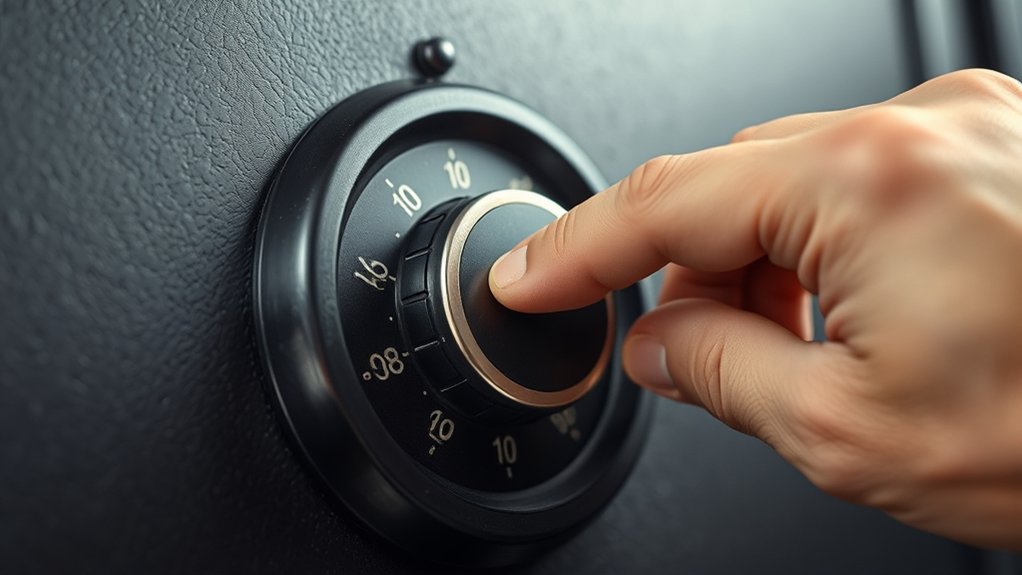
If you see a series of numbers arranged on a round dial, you have a mechanical dial lock.
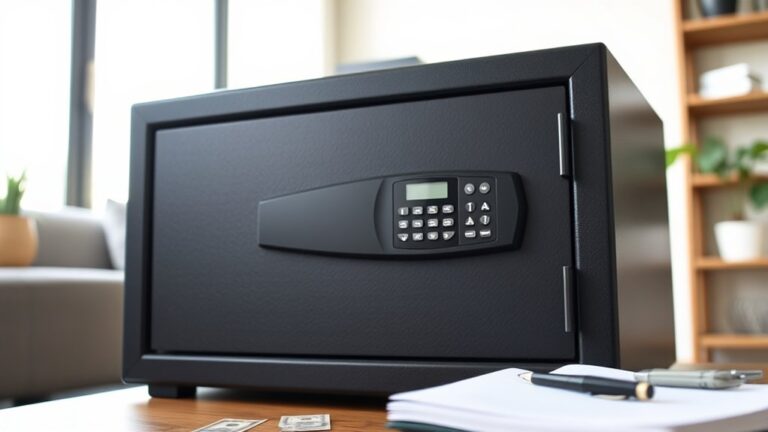
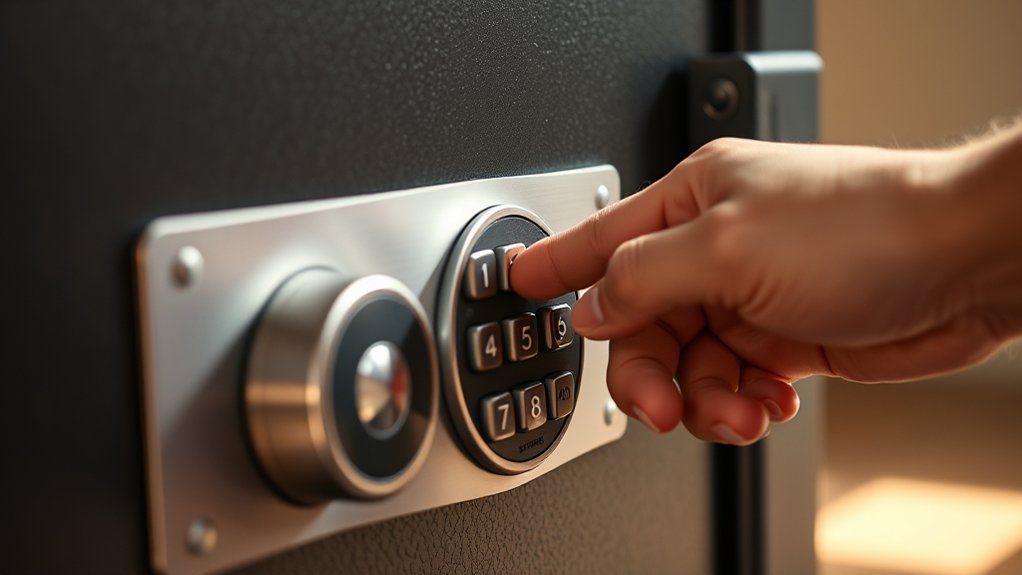
If you spot a numeric keypad on the door, your safe uses an electronic keypad lock.
Recognizing the lock type is essential because each requires different, precise procedures for resetting the combination.
Mechanical dial locks involve specific rotational sequences.
Electronic keypad locks often include a reset button inside the door near the hinge.
Identifying the lock type guarantees you follow the correct, safe method for changing your combination.
Verify Access To Your Current Code
How can you change your Winchester gun safe’s combination without knowing the current code? You can’t. Access verification is essential. You must enter the correct current code to open the safe and start any changes.
Here’s how to verify your access: Carefully input the current code on the Winchester safe keypad. Watch the lock’s response. Multiple beeps or a lockout means the entry was incorrect.
If you’ve forgotten the code, contact Winchester with your safe’s serial number to get the default code. Avoid repeated incorrect attempts because they can trigger a lockout and delay your access.
Confirming your current code ensures you can safely proceed with resetting the combination. This verification step protects your Winchester safe’s security and guarantees a smooth code change process.
How To Reset Your Electronic Keypad Code
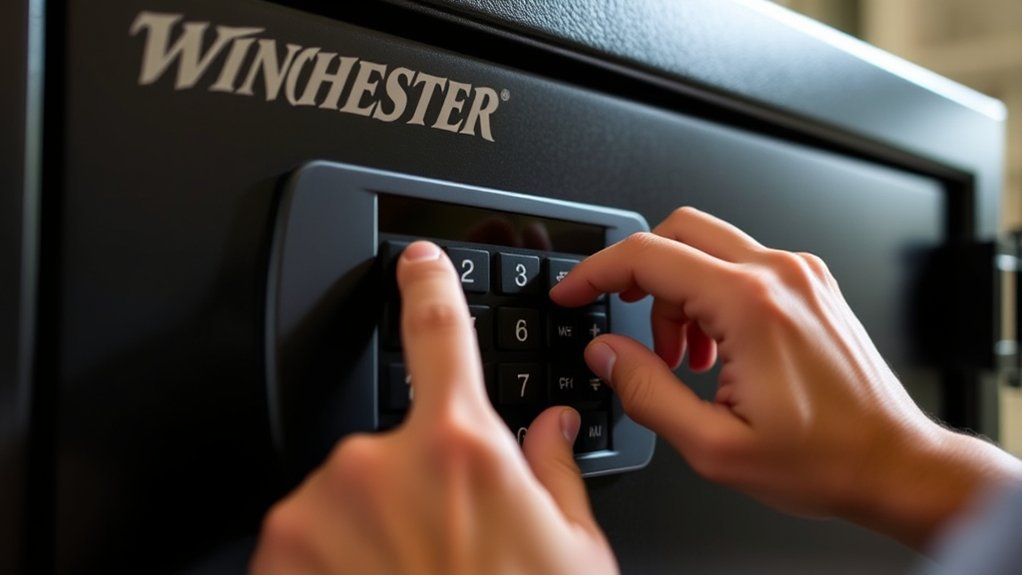
Before you reset your electronic keypad code, make sure the safe door is open.
Then, find the small reset button near the hinge.
Press and hold that button until you hear a beep.
After that, go ahead and enter your new code carefully.
Remember, it should be between 4 and 10 digits.
If the safe asks you to confirm the code, do so to make sure the change is accepted.
Once everything’s set, you can close the door.
Reset Button Location
Where exactly is the reset button located on your Winchester electronic safe? You’ll find it inside the safe door, typically near the hinge or on the interior panel. To access the reset button, fully open the safe door and look carefully for a small, recessed button that may require a paperclip or similar tool to press.
Remember these key points to avoid locking yourself out: Always ensure the safe door is open before pressing the reset button. Press and hold the reset button until you hear a beep, signaling the system is ready for a new code.
Use the reset button only during the process of changing or setting your safe’s electronic keypad code.
Handle the reset button cautiously to maintain safe access.
Entering New Code
Once you’ve located and pressed the reset button inside the safe door, you can go ahead and enter your new electronic keypad code. Make sure the safe door is open before you start—this is really important for safety and proper programming.
Your new code should be between 4 and 10 digits. Enter it carefully, then wait for the beep that confirms it was accepted. Some Winchester models might ask you to enter the code again to confirm it.
Remember, the safe’s serial number can come in handy if you need help or want to reference it later.
While electronic keypads are super convenient, don’t mix this process up with the mechanical dial combination. That requires a totally different way to open the safe.
After you reset the code, always double-check by locking and then unlocking the safe with your new code. It’s a good way to make sure everything worked as it should.
How To Change The Combination On A Mechanical Dial Safe
Although mechanical dial safes often come with factory-set combinations that can’t be changed without professional help, you can update the combination if you follow the proper procedure carefully.
First, make certain the safe is fully open before starting to avoid getting locked out.
Next, locate the reset mechanism. This might require a special reset key or a specific dialing sequence detailed in your manual.
Finally, set your new combination following the exact instructions to prevent damaging the lock.
- Always consult the manufacturer’s manual or a certified locksmith before attempting changes.
- Never force the dial or attempt changes if you’re uncertain.
- Confirm the new combination works multiple times before closing the safe.
Caution and precision are key to successfully changing your mechanical dial safe’s combination. Just take your time and follow the steps carefully.
Lost Your Winchester Safe Combination Or Keys? Here’s What To Do
What should you do if you’ve lost your Winchester safe combination or keys? First, contact Winchester customer support with your safe’s serial number. Be prepared to provide proof of purchase and notarized ownership, as these are often required to get a new key or combination.
Winchester may verify your ownership details to retrieve default codes or key access. Avoid trying to force open or tamper with the safe because that can damage it and void your warranty.
If you still can’t get into your safe, hire a professional locksmith who knows Winchester safes. They’ll help you regain entry securely and keep your safe’s integrity intact.
Taking these steps helps protect your security and your investment without unnecessary risk or damage.
Troubleshooting Winchester Safe Combination Issues
If your Winchester safe combination isn’t working, start by double-checking that you’re entering the correct code and that the keypad is responsive. Addressing combination issues requires caution to avoid lockouts or damage.
Follow these steps to troubleshoot effectively:
- Confirm the code is correct and the keypad is functioning. Repeated wrong entries may trigger lockouts.
- Recognize that factory default codes can override user settings. Contact Winchester with your serial number for recovery assistance.
- If the keypad seems unresponsive, consider battery replacement. Note that stored codes remain intact after power loss.
If problems persist, consult a professional locksmith or Winchester customer support. This will ensure safe and proper resolution without risking lock damage.
Battery Tips For Winchester Electronic Locks
Many Winchester electronic locks rely on a single 9-volt alkaline battery to maintain reliable operation. Use only high-quality batteries like Energizer® or Duracell® with at least a five-year expiration date. Expect about six months of battery life under normal conditions.
But remember, replace batteries immediately if you hear two low battery beeps. Dead batteries won’t erase your combination, but weak ones can disrupt lock function. Always install new batteries following the manufacturer’s polarity instructions to prevent damage.
| Tip | Detail |
|---|---|
| Battery Type | 9-volt alkaline (Energizer®, Duracell®) |
| Expiration Date | Minimum 5 years |
| Battery Life | Approx. 6 months |
| Low Battery Signal | Two beeps; replace promptly |
Stay vigilant with battery maintenance to guarantee uninterrupted safe access. It’s a simple step that saves you from lockouts and keeps your security system running smoothly.
Security Tips After Changing Your Winchester Safe Code
After you change your Winchester safe code, be sure to store the new combination somewhere safe—but not inside the safe itself. It’s a good idea to keep it in a separate secure location.
Also, try to make updating your code a regular habit, especially whenever there are changes in personnel. This helps keep your safe as secure as possible.
And remember, always keep your combination confidential to stop anyone unauthorized from getting in.
Secure Code Storage
Where should you keep your new Winchester safe combination to guarantee it stays secure? Storing it properly is essential to prevent unauthorized access. Avoid leaving the code near the safe or sharing it unnecessarily.
Instead, follow these key steps: Store the combination in a secure, private location separate from the safe. Use a password manager or encrypted digital note for safe, easy retrieval. Limit sharing the code only to trusted individuals who absolutely need it.
Regular Code Updates
Keeping your Winchester safe combination secure is just the first step. Regularly updating your code is just as important to keep strong protection going. You should change your code periodically to lower the risk of unauthorized access, especially if you think someone might know your current combination.
Every time you update the code, test it carefully before closing the safe to make sure it works right. Store your new combination somewhere safe and don’t share it with anyone you don’t trust.
Setting a routine for code updates helps keep your safe’s security strong over time.
Frequently Asked Questions
Can I Use the Same Combination for Multiple Winchester Safes?
You technically can use the same combination for multiple Winchester safes, but you really shouldn’t. Doing so compromises your security because if someone discovers the code, all your safes are at risk.
It’s best to assign unique combinations to each safe to protect your valuables individually.
How Often Should I Change My Winchester Safe Combination?
You might think changing your Winchester safe combination isn’t necessary if no one’s tried to access it, but you should update it at least once a year. Doing so greatly lowers the risk of unauthorized entry over time.
If you ever suspect someone else knows your code or after any servicing, change it immediately. Staying proactive ensures your valuables stay secure and only you have access.
Are There Any Warranty Issues When Changing the Combination Myself?
You won’t usually void your Winchester safe’s warranty by changing the combination yourself if you follow the manufacturer’s instructions precisely.
However, some warranties require professional service to keep full coverage, so you should verify your specific terms beforehand.
Make sure to prevent unauthorized modifications or technical errors because these can impact your warranty.
Always document your process and consult Winchester’s support to ensure you stay within their guidelines.
This way, you protect your warranty rights and avoid any unexpected issues.
It’s better to be cautious and check first!
Can I Add Biometric Features to My Winchester Safe?
You can add biometric features to your Winchester safe, but it’s not a standard option and requires an external biometric lock. Installing one may need professional modification and could void your warranty or affect fire ratings.
Before you proceed, make sure to verify compatibility carefully. It’s a good idea to consult Winchester customer support or a professional safe technician.
They can help ensure safety and proper installation.
Just be cautious so you don’t accidentally damage your safe or lose your warranty coverage. Taking these steps will help you avoid any unwanted issues down the line.
What Tools Do I Need for Combination Changes on Mechanical Safes?
You’ll need more than just patience to change the combination on a mechanical safe. Typically, you require the original combination and a specialized change key or tool designed for your safe model. Without these, you risk locking yourself out permanently.
Some Winchester safes demand locksmith expertise. Always consult your safe’s manual first, so you don’t proceed blindly.
Precision and caution are essential. The wrong tool or step can compromise your safe’s security.
Conclusion
Changing your Winchester safe combination might feel intimidating, but with clear steps and patience, you can do it confidently. Even if you worry about making a mistake, remember that Winchester safes are designed with user-friendly features and backup options to protect your valuables.
Just follow the instructions carefully, and don’t rush. Taking control of your safe’s security is empowering. Your peace of mind is worth the effort.
Stay cautious, stay secure.